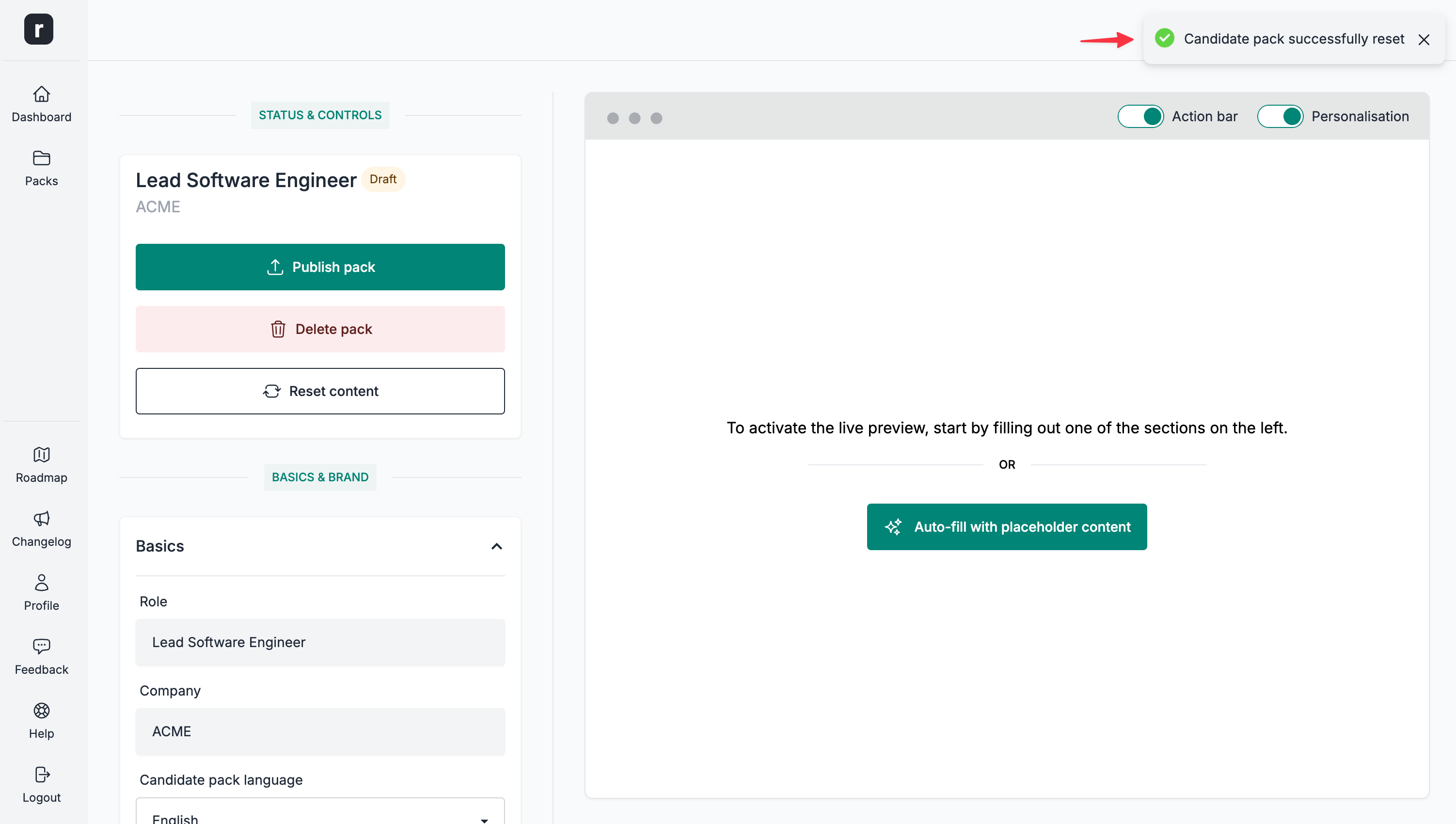
Reset a candidate pack
⚠️ This action cannot be undone, please proceed with caution.
To reset the editable content sections and form configuration of a candidate pack:
- Navigate to the candidate pack's editor page
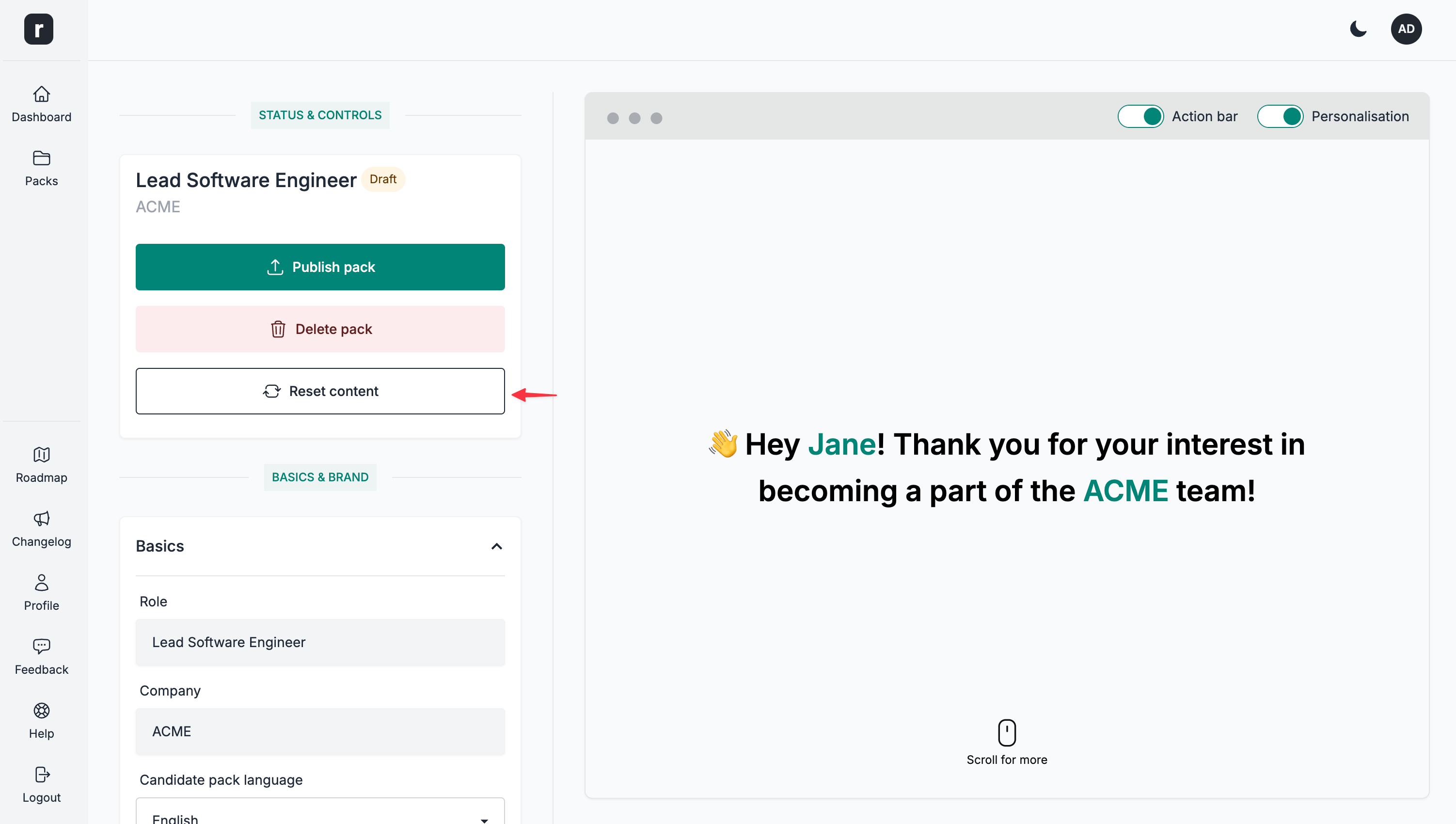
- Click the
Reset contentbutton under theStatus & Controlssection
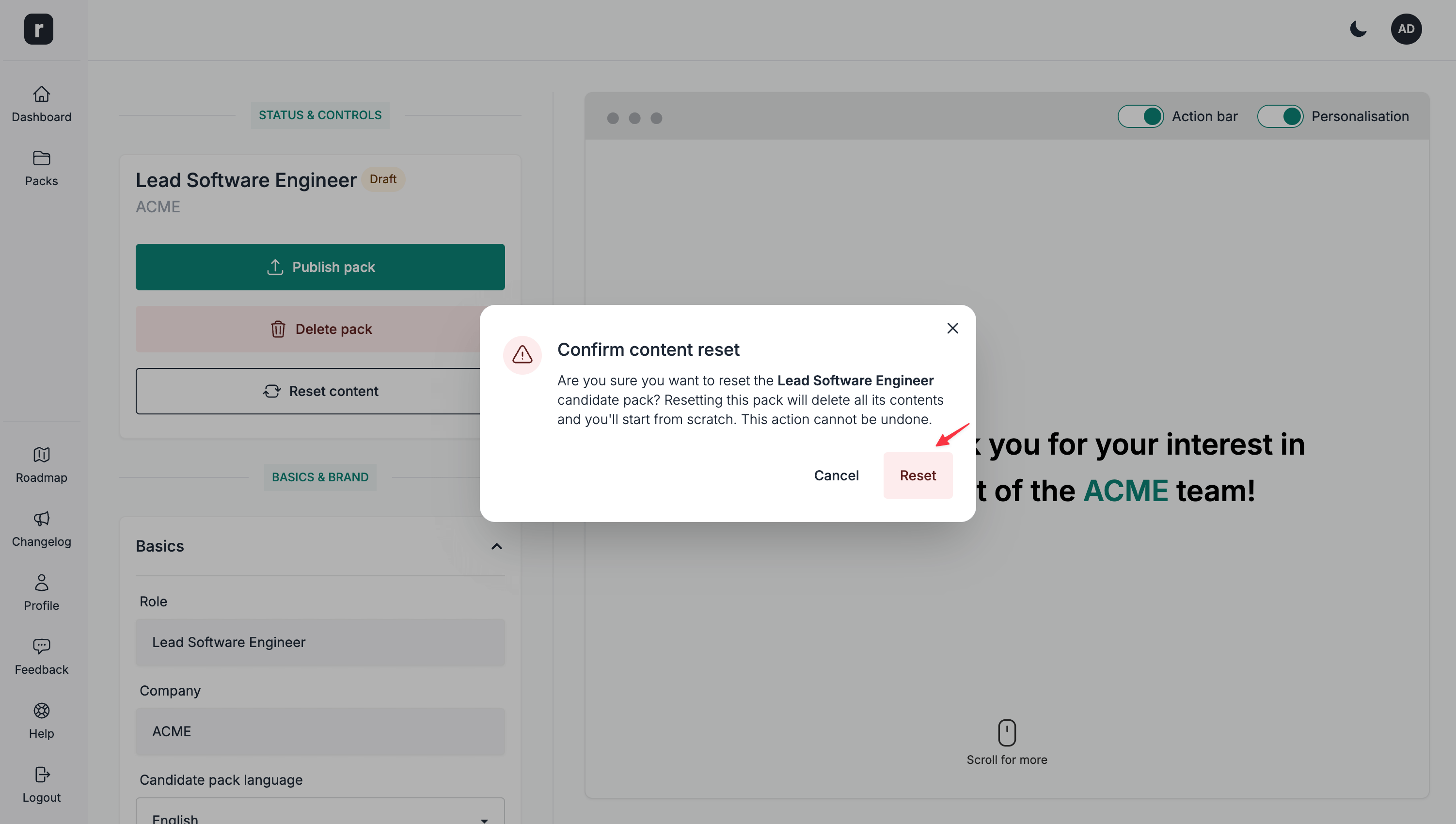
- Click the
Resetbutton on the confirmation modal
- The editable content sections and form configuration are now reset to their defaults. Basic information and other pack settings remain unchanged.